TL;DR
- Yes, Dynamics 365 on-premise can migrate to Dynamics 365 online, but eligibility and the safest method depend on the source version and architecture.
- Treat the move as an application modernization project: assess customizations, clean and map data, rehearse in a sandbox, validate business processes, and plan rollback before cutover.
- Microsoft’s database-migration route is available only for supported source versions. Older deployments may need an interim upgrade or a selective data-migration approach.
- The Configuration Migration tool moves configuration data, not an entire production database. Match each tool to its intended job.
Can Dynamics 365 On-Premise Migrate to Online?
Yes. An on-premise Dynamics 365 or Dynamics CRM deployment can move to Dynamics 365 online, provided the source, customizations, and data can follow a supported path. The decision is not simply whether migration is possible; it is whether a database move, an interim upgrade, or a selective rebuild offers the lowest operational risk.
Microsoft’s on-premises-to-online migration overview says its migration tooling supports Dynamics CRM version 9.0 or later. A deployment on an older release, including Dynamics CRM 2016, may therefore need a supported upgrade before nomination or a different data-transfer method. Confirm current eligibility with Microsoft or a qualified partner before committing to a route.
The assessment should answer these practical questions:
- Is the source version eligible for Microsoft’s database-migration tooling?
- Which customizations, reports, plug-ins, and SQL-level changes are unsupported online?
- Which integrations depend on local network access, Windows authentication, or direct database queries?
- Which records must move, which must remain available in an archive, and which can be retired?
Microsoft’s broader cloud migration guidance also frames the move around compatibility, security, the data model, and business fit. That is a more useful starting point than choosing a tool before the source environment is understood.
What Changes When Dynamics 365 Moves Online?
The online platform changes who operates the infrastructure and how teams extend the application. Microsoft manages the service, platform updates, and Dataverse database layer, while the customer remains responsible for configuration, access, data quality, integrations, and business continuity. Existing processes can remain familiar, but unsupported technical assumptions must be redesigned.
Infrastructure and updates
Server patching, database maintenance, and platform availability move to Microsoft’s cloud service. That reduces local infrastructure work, but it also removes direct control over the application database and update schedule. Any report, integration, or batch process that reads SQL tables directly needs a supported replacement.
Cloud environments with a Dataverse database receive automatic backups. Microsoft currently documents a default retention period of 7 days, with retention configurable up to 28 days for production managed environments in supported cases. The exact policy and restore process should be verified in the Power Platform backup and restore documentation during design. These cloud backups complement, rather than replace, a tested migration rollback plan.
Identity and access
Dynamics 365 online uses Microsoft Entra ID for identity. Security roles still control application privileges, but user provisioning, conditional access, multifactor authentication, service accounts, and integration identities must be mapped deliberately. Organizations retaining an on-premise directory can use directory synchronization with Microsoft Entra ID where that architecture fits.
Review the current role-based access design before migration. Recreating old roles without checking accumulated privileges can preserve access problems that should have been corrected.
Extensibility and integrations
Online extensions use supported Dataverse and Power Platform patterns rather than direct SQL access or server-side file placement. Plug-ins, client scripts, reports, scheduled jobs, and integration endpoints need individual compatibility checks. Some can move unchanged; others belong in Power Automate, Azure services, or a revised API integration.
How Should the Migration Be Planned?
Plan the migration as a sequence of evidence-based gates: discover the source, choose the path, prepare the target, rehearse, validate, and cut over. Each gate should produce a decision or test result. A calendar created before source discovery is an estimate, not a migration plan.
Build a reliable source inventory
Record the application and SQL Server versions, database size, tables, solutions, plug-ins, workflows, reports, web resources, security roles, business units, integrations, mail settings, scheduled jobs, and identity dependencies. Include owners and business criticality so unresolved items have somewhere to go.
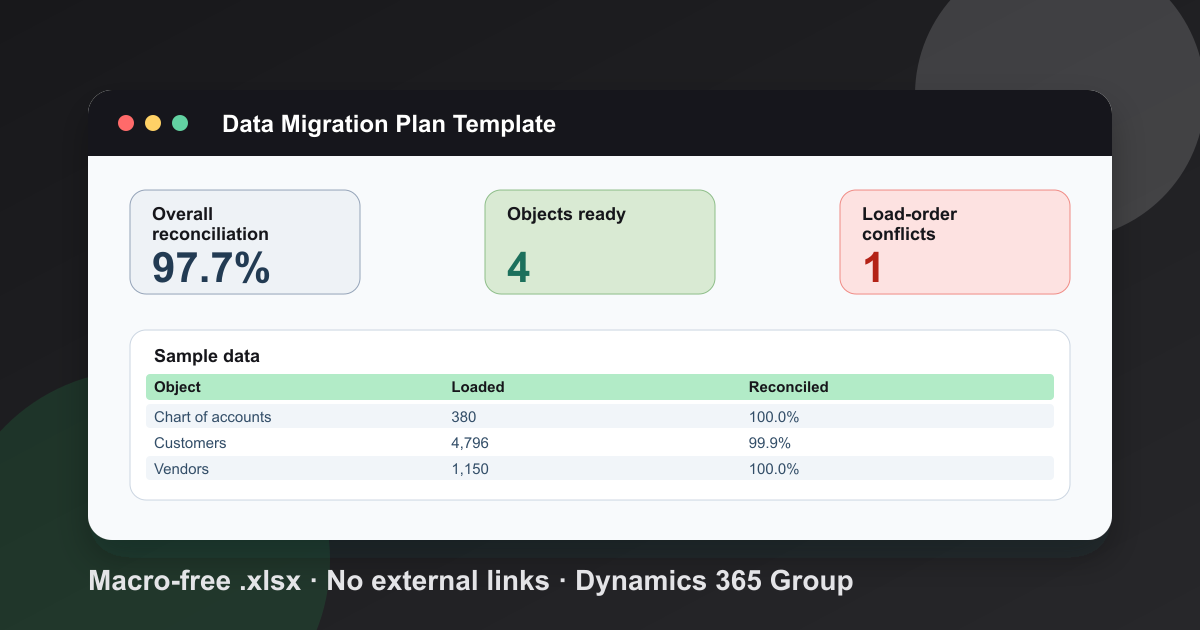
Data profiling belongs in the same discovery pass. Identify duplicates, invalid lookups, inactive owners, obsolete activities, oversized attachments, unsupported field types, and records subject to retention rules. The companion guide on migrating data to Dynamics 365 covers mapping and import preparation in more detail.
Define acceptance and rollback before building
Write measurable acceptance criteria for the processes that must work on day one: record creation, assignment, approvals, email, reporting, integrations, security, and audit requirements. Define reconciliation reports and control totals before the first trial migration, not after the final load.
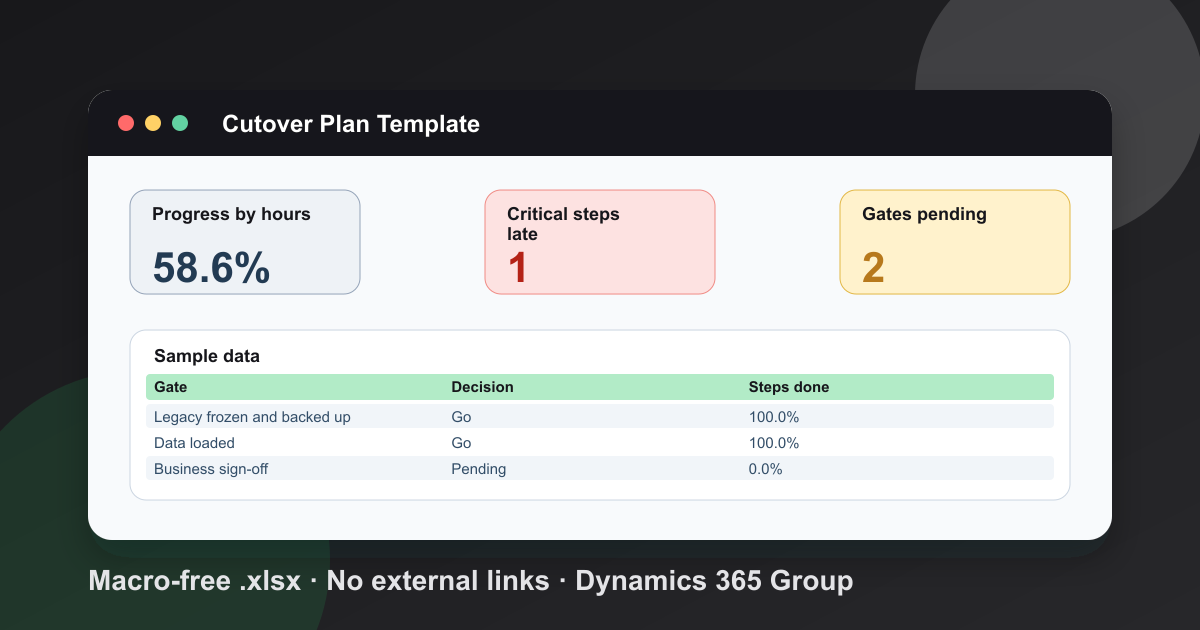
The rollback plan should name the decision deadline, source-system state, restore method, data captured after the cutover begins, and the authority who can stop or reverse the release. Follow the Dynamics 365 backup checklist, and prove that the source backup can be restored rather than assuming the backup job succeeded. My free cutover plan template tracks each step, gate and rollback point hour by hour.
Choose a cutover model
A single cutover window can work when the data set is manageable and the organization can tolerate a defined outage. A staged approach may fit larger or more integrated estates, but it introduces coexistence, synchronization, and duplicate-entry risks. The right choice follows from transaction volume, integration dependencies, regulatory controls, and acceptable downtime.
For help turning those constraints into a migration plan, review the available Dynamics 365 services.
Which Dynamics 365 Migration Tools Fit Each Job?
No single utility handles every part of an on-premise-to-online move. Microsoft’s database-migration program, solutions, configuration-data tooling, file import, dataflows, and Dataverse APIs solve different problems. Select the smallest set that preserves relationships, supports repeatable rehearsals, and can meet the cutover window.
Database migration for eligible sources
Microsoft’s on-premises-to-online program is the first route to assess for an eligible Dynamics CRM source because it is designed to move the organization database through supported tooling. Eligibility does not remove the need to remediate unsupported customizations or SQL-level changes. Licensing, access to the migration tooling, and Microsoft or partner coordination are also prerequisites described in the official overview.
Solutions and configuration data
Solutions package application components such as tables, forms, views, apps, workflows, and plug-in assemblies. Configuration records are different from components. Microsoft’s Configuration Migration tool documentation describes a tool for moving configuration data between organizations, with schema validation and duplicate-handling rules. It is not a general substitute for moving all business data.
Review the existing Dynamics 365 upgrade process alongside the solution inventory. An old customization may need remediation before it can be exported, imported, and tested online.
File import, dataflows, and APIs
The Import Data Wizard suits bounded, well-mapped data sets. Microsoft documents a maximum upload size of 32 MB for ZIP files and 8 MB for other supported file formats in the model-driven app import guidance. Those limits make the wizard a poor default for a large database migration, even though it remains useful for controlled reference-data loads.
Dataflows can apply repeatable transformations. Dataverse APIs or an integration platform offer more control over sequencing, error handling, and resumability. API-based loaders must respond to throttling and retry signals rather than assuming unlimited throughput. Microsoft’s Dataverse API limits overview explains the service-protection model and links to implementation guidance.
How Is the Data Migration Executed Safely?
Safe execution means running the same documented migration more than once, reconciling every trial, and changing only controlled inputs before the final cutover. A successful import message is not enough. Records, relationships, ownership, dates, currencies, attachments, and business controls must all reconcile in the target.
Clean and map before extracting
Remove records only under an approved retention policy. Standardize formats, resolve duplicate keys, fix invalid owners, and document every source-to-target mapping. Include option values, lookups, activity parties, teams, queues, business units, and any transformed identifiers.
Keep mapping rules in a reviewable artifact rather than relying on decisions made inside an import wizard. Repeatability matters when the trial reveals a defect and the load must run again.
Rehearse with production-like data
Use a non-production environment that reflects the target configuration and security model. Microsoft describes a sandbox environment as an isolated place to develop and test changes with lower production risk. Mask personal or regulated data when policy requires it, and prevent test workflows from sending email or calling live downstream systems.
After each rehearsal, compare source and target counts by table and status, verify sampled records end to end, and reconcile business totals. Capture failed rows and reasons. A trial is complete only when defects become fixes, accepted exclusions, or explicit cutover risks.
Control the final load
Freeze relevant source changes at the agreed time, take the tested backup, run the approved extraction and load sequence, and keep a decision log. If users must continue working, define how delta records will be captured and applied. Do not improvise a delta process during the cutover.
How Should Customizations and Integrations Be Migrated?
Customizations and integrations should be reviewed one by one, then retired, moved, or rebuilt on a supported online pattern. Copying every historical component increases risk and preserves technical debt. The objective is functional continuity, not a perfect replica of the old server architecture.
Classify each component
For every solution component and integration, record its owner, business purpose, current usage, dependencies, credentials, data handled, and online compatibility. Then assign one outcome:
- Retire: no current business use or replaced by standard online capability.
- Move: supported as-is after configuration and regression testing.
- Remediate: still needed, but code or packaging must change.
- Rebuild: the old technical pattern is unsupported online.
Direct SQL reports, file-system dependencies, legacy authentication, and server-resident jobs often need redesign. Cloud flows and apps can be useful replacements, but only when monitoring, ownership, connection references, and failure handling are part of the design. See Power Platform integration with ERP systems for the surrounding integration choices.
Test business behaviour, not just deployment
A solution importing without errors proves only that the package loaded. Test forms, views, calculations, plug-ins, workflows, reports, integrations, and permissions against realistic scenarios. Confirm that sandbox endpoints and connection references are changed before production release.
What Must Be Tested Before Cutover?
Cutover approval should require evidence that data, business processes, integrations, security, performance, and recovery all meet the agreed acceptance criteria. Testing should use named owners and recorded results. A generic sign-off such as “looks good” provides little protection when a failed integration appears after launch.
Cover at least these areas:
- Data: counts, relationships, owners, dates, currencies, notes, attachments, and audit requirements.
- Functionality: critical user journeys, automation, forms, views, search, reporting, and mobile access.
- Integrations: inbound and outbound messages, retries, duplicate handling, monitoring, and failure alerts.
- Security: licenses, business units, teams, roles, field security, conditional access, and service identities.
- Performance: peak-volume transactions, bulk operations, reports, and integrations under realistic load.
- Operations: backup, restore, support routing, monitoring, incident response, and rollback.
Role-based training should use the online environment and the actual future-state processes. Change champions can support colleagues, but they should not become an informal substitute for documentation and a staffed support path. Publish concise job aids for the tasks users perform most often and make ownership clear for access or process questions.
What Happens After Go-Live?
After go-live, stabilize the service before starting further enhancements. Monitor integrations, automation failures, user access, queue backlogs, import jobs, and support requests. Reconcile the final data set again, preserve cutover evidence, and keep the source environment protected until the agreed retirement gate has passed.
Prioritize defects by business impact and keep a clear boundary between fixes required for acceptance and new requests discovered during adoption. That boundary prevents the migration team from losing focus during hypercare.
Once acceptance criteria are met, complete the source-retirement plan: preserve required records, revoke obsolete credentials, remove unneeded network paths, update architecture and support documentation, and confirm that remaining integrations no longer depend on the on-premise deployment. Migration is complete when the online service is supportable and the old system can be retired safely—not merely when users can sign in.
Frequently Asked Questions
What steps are involved in migrating from Dynamics 365 on-premise to Dynamics 365 online?
A controlled migration starts with discovery, source-version and eligibility checks, data cleanup, and a review of customizations and integrations. The team then prepares the online environment, runs a trial migration, reconciles records, tests business processes and security, trains users, and completes a governed cutover with a rollback plan.
What are the best practices for data migration when moving to Dynamics 365 online?
Remove duplicates and obsolete records before extraction, document field and relationship mappings, define ownership rules, and rehearse the process in a non-production environment. Reconcile record counts and financial or operational control totals after each trial. Freeze source changes for the final cutover and retain an independently tested source backup.
How does data migration differ between Dynamics 365 on-premise and Dynamics 365 online?
On-premise administrators can work directly with the application database, while Dynamics 365 online stores application data in Microsoft Dataverse and restricts direct database access. The target data model, service limits, identity model, and supported integration patterns therefore shape the migration design. Database migration, API-based transfer, dataflows, and file import serve different source versions and workloads.
What tools are recommended for facilitating the migration from Dynamics 365 on-premise to cloud?
For an eligible Dynamics CRM source, Microsoft's on-premises-to-online migration program can move the database through supported tooling. Solutions move customizations, the Configuration Migration tool moves configuration records, and the Import Data Wizard or Dataverse APIs can handle selected business data. The correct combination depends on source eligibility, data volume, transformation needs, and downtime tolerance.
How should customizations and workflows be handled during the migration?
Inventory every solution, plug-in, workflow, report, JavaScript resource, and external endpoint. Retire unused items, remediate unsupported code, package supported components in solutions, and rebuild automation only where the online architecture requires it. Test each dependency in a sandbox with production-like security roles and integrations before cutover approval.
What should be considered when moving Dynamics CRM 2016 on-premise to Dynamics 365 online?
Start with a source-version assessment because an older deployment may need an interim supported upgrade before it qualifies for Microsoft's database-migration route. Review SQL-level changes, unsupported customizations, authentication, third-party integrations, licensing, and user training. Choose an alternate data-migration path if a direct database move is not supported.
Free tool
Calculate Your Dynamics 365 Migration ROI
See how much you could save with a free, instant ROI estimate. No signup required.