The most useful idea in this session is simple: treat SOPs and training materials as scoped, owned, tracked project deliverables rather than a go-live afterthought. The business process catalog gives you the structure to do that, and you can run it in Azure DevOps or in Mavim.
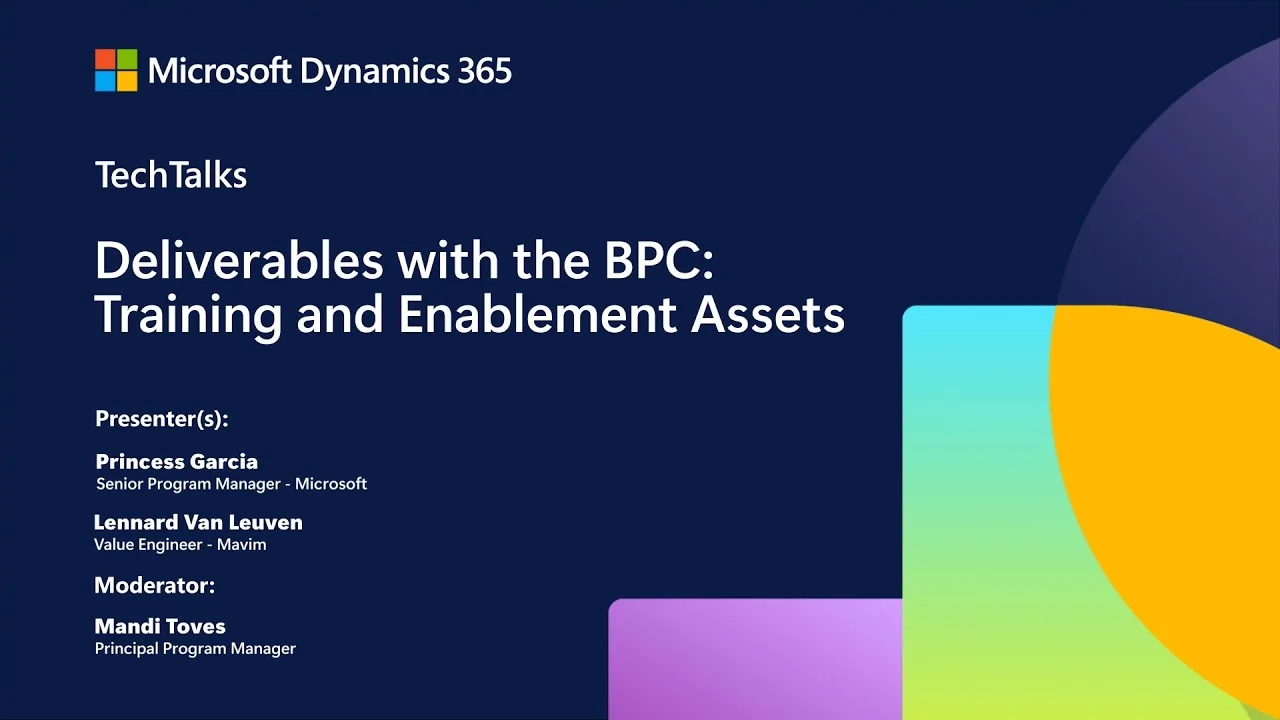
This article draws on a video from the MSD365 Community channel, presented by Princess Garcia. It is a Dynamics 365 FastTrack Tech Talk on training and enablement deliverables in the business process catalog. If you are new to the platform itself, start with Microsoft Dynamics 365 explained for background.
Context from the video
The session covers two connected threads: what makes an SOP usable, and how to manage SOPs as catalog deliverables.
What a usable SOP contains
The presenters argue that effective guidance explains its purpose, identifies the roles involved, shows the process flow, documents steps and decisions, and captures the controls and evidence that make the procedure trustworthy. Their recommended structure covers:
- Purpose and scope: the intended outcome, assumptions, and prerequisites.
- Roles and handoffs: who is responsible and how work passes between people.
- Steps and decisions: including non-system activities, exceptions, and escalation paths.
- Evidence: integrations, reports, audit trail, and record retention.
- Lifecycle controls: references, ownership, and history, so the SOP is maintained rather than abandoned.
They also stress that an SOP should stay understandable when part of the work happens outside the application, such as approvals or offline communication.
Where SOPs live in the catalog
The presenters place SOPs at level 4 (L4) of the catalog hierarchy, where job aids and reference guidance sit. Microsoft’s documentation describes the relationship between the two trees this way: The Deliverables tree represents tangible outputs required to tailor the solution, including configurations, workflows, integrations, and documentation. The business process catalog tree defines the “why”, and the Deliverables tree defines the “what”. (source)
On documentation specifically, Microsoft states: Documentation work items catalog supporting materials, reference guides, strategy documents, and other documentation that might not be contractual deliverables but are essential for implementation, governance, or user enablement. Examples include user guides, knowledge articles, and a step-by-step guide for technicians to use the mobile app offline. For custom documentation, a dedicated work item captures the purpose, scope, and links to the actual content. (source)
The Azure DevOps workflow
Princess Garcia, who works on the Dynamics 365 FastTrack team and the business process enablement team, walks through the Azure DevOps approach:
- Each L4 process has a documentation folder containing a pre-created, blank SOP work item.
- Scope first: review the processes and mark each as in scope, out of scope, not applicable, or unspecified. Build completed SOPs only for in-scope processes.
- Complete the SOP work item with a description, acceptance criteria, roles and responsibilities, and planning estimates.
- Use the references area to link Microsoft Learn, Mavim, partner, or internal material.
- If a work item is missing, create a new documentation work item. Her rule: every work item should have an SOP.
The fields she shows map to the template’s documented fields. The Azure DevOps work item fields include Acceptance Criteria, Assigned to (the owner of the work item), Internal references (links to client-specific reference materials), and Partner references (links to partner documentation or references that support the work item). (source)
She also points to the implementation portal: in the project profile under administer to operate, the training and enablement option should be enabled, and she argues every project should have it.
The Mavim approach
Leonard van Leuven, a value engineer at Mavim, demonstrates two options:
- Deliverables tree in Mavim: the same template SOP topics exist under each area, such as production planning. Authors can attach a document or write the SOP directly in Mavim’s editor, and a template can guide authors toward a consistent format. The same fields as the Azure DevOps work item are available, and the content can be synchronized into Azure DevOps.
- Integrated process view: SOP content is placed on the pages for individual diagram activities, published to the read-only Mavim portal, and linked straight to the relevant Dynamics 365 screen. The presenter positions this as a learning tool for end users after go-live.
The catalog supports both routes. Microsoft’s release notes record that the October 2026 business process catalog is offered in two formats: an Excel-based Azure DevOps template that can be imported into an implementation backlog, and a database package that can be imported directly into Mavim. The October Deliverables file contains 7,645 rows, including 21 new entries. (source)
My Take
I find the strongest part of the session is the discipline around scoping. A pre-created SOP placeholder for every L4 process could tempt a team into completing all of them. The presenter’s advice to document only in-scope processes is, in my view, the right counterweight, and the in-scope, out-of-scope, not-applicable, unspecified field turns that decision into something visible and reportable.
I see two trade-offs worth weighing:
- Azure DevOps versus Mavim. Azure DevOps gives you tracking: ownership, effort, status, relationships. Mavim gives you the end-user experience: SOPs sitting beside the process diagram with links into the application. The presenters frame these as two approaches rather than a required pairing, and teams without Mavim can still use the work items and references. I would choose based on whether your bigger gap is delivery governance or post-go-live discoverability.
- Click-level detail ages quickly. The session recommends click-level tasks that guide users where to go. That helps adoption, but navigation changes with releases, so I would treat ownership and a review trigger as just as important as the first draft. The presenters’ emphasis on policy, personnel, organization, and application changes as triggers for new enablement is the part I expect most teams to skip.
A further limitation: this is a practitioner walkthrough, so I would treat its specific field names and screens as illustrations of the template at the time of recording and check the current template before building process around them. Also, an SOP library is only as good as its upkeep; the template gives you the placeholders, but it does not enforce review cycles for you.
On the broader case for enablement, Microsoft’s overview states: The Train users and increase adoption overview states that training and adoption aren’t just steps in a project plan but are the key to realizing the true potential of Dynamics 365. It says successful technology adoption can be achieved with tools like Microsoft Learn, Viva Learn, and product documentation, and it names the Dynamics 365 Implementation Guide and Success by Design as sources of guidance on training programs and change management. (source)
Practical Implications
Here is a repeatable sequence you can adopt, based on the session’s playbook.
1. Plan enablement at project start
Enable training and enablement in the implementation portal project profile and put it in the early plan. Early visibility gives you time to define the audience, choose formats, name owners, and align with the implementation schedule.
2. Scope the SOPs
Import the catalog into Azure DevOps (or Mavim), then review the documentation work items under each in-scope L4 process. Set the scope value on each one and leave out-of-scope items untouched.
3. Assign ownership and estimates
Use the Assigned to field for the person accountable for creating, reviewing, approving, and maintaining the SOP. Record the time estimate so documentation effort appears in the plan rather than hiding inside go-live week.
4. Write the SOP to a standard
Use a single template. For each SOP, cover:
- Audience and prerequisites, including required access
- Trigger and intended outcome
- Steps, decisions, and non-system activities
- Exceptions and escalation paths
- Evidence needed to prove the work was done correctly
- Acceptance criteria that tell a reviewer when it is complete
5. Link references
Attach Microsoft Learn articles, partner documentation, and internal policies in the references fields, so the SOP does not duplicate material that others already maintain.
6. Publish where users will look
Decide where operational users find the guidance after go-live. In Azure DevOps-only projects, that means a standard, agreed location. With Mavim, the portal view attached to the activity page is the natural home.
7. Maintain on a cycle
Treat training as a loop of plan, develop, deliver, and measure. Re-open SOPs when policy, roles, or the application change, and use user feedback after go-live to decide what to revise.
If you are also evaluating how AI-assisted features change the way users learn and look up procedures, see Dynamics 365 AI and Copilot. For help structuring catalog-driven delivery and enablement on your own program, see our Dynamics 365 consulting services.
Frequently Asked Questions
Do I need an SOP for every business process in the catalog?
No. The recommended approach is to scope first and write completed SOPs only for processes that are in scope for your project. Mark out-of-scope or not-applicable processes using the scope field so effort stays focused.
Where do SOP work items sit in the catalog?
They sit in the documentation area under each L4 process in the Deliverables tree, where a blank SOP work item is pre-created as a placeholder. Microsoft describes documentation work items as cataloging supporting materials such as user guides and knowledge articles.
Can I manage SOPs without Mavim?
Yes. The Azure DevOps template and the implementation portal are enough to scope, assign, estimate, and link SOP work items. Mavim adds an integrated, end-user-facing view where SOPs sit beside the process diagram.
Which fields help make an SOP work item accountable?
Acceptance Criteria defines when the work item is done, Assigned to names the owner, and the Internal references and Partner references fields link supporting material. Together they cover completion, ownership, and traceability.
Free tool
Calculate Your Dynamics 365 Migration ROI
See how much you could save with a free, instant ROI estimate. No signup required.