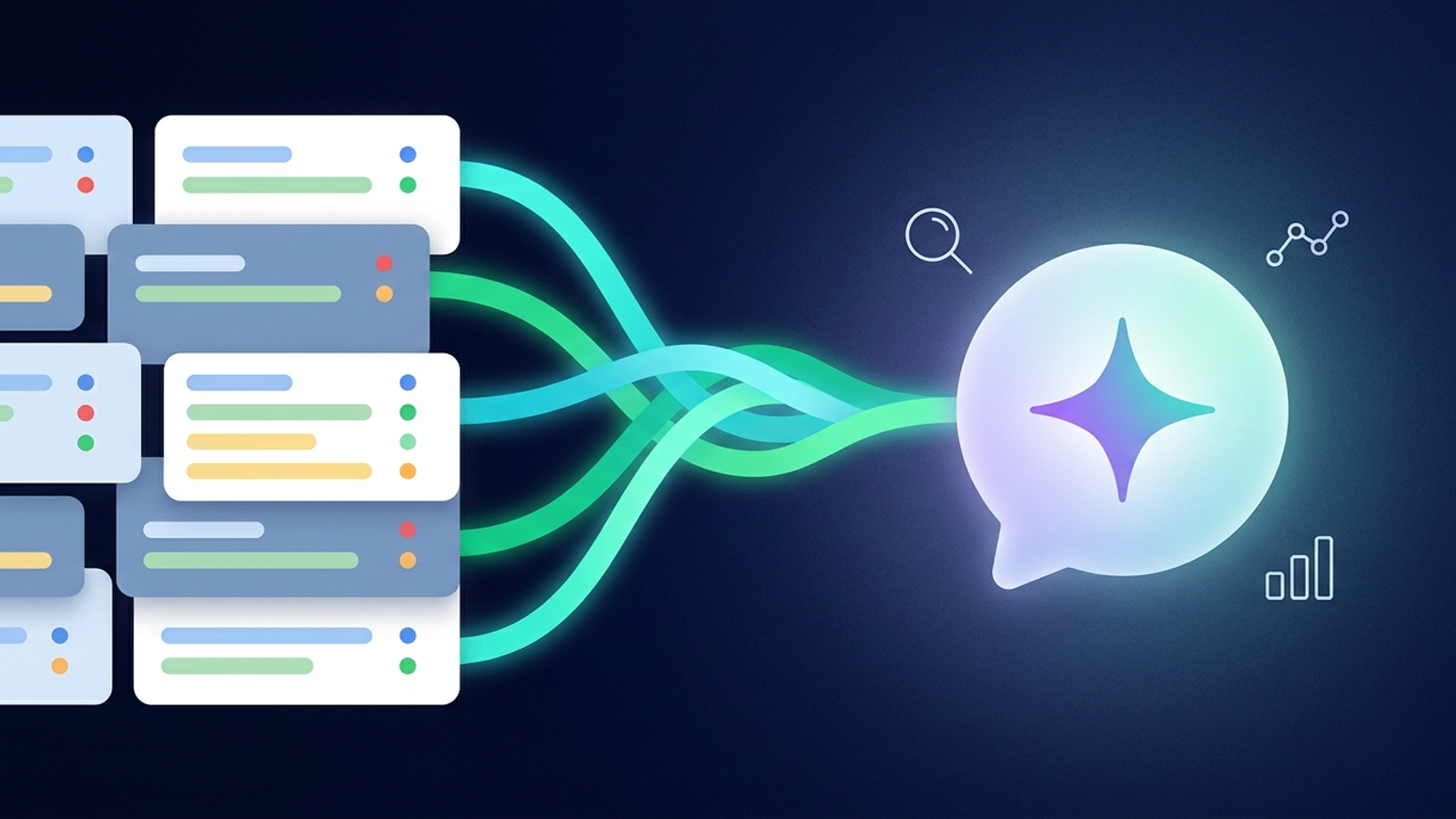
Copilot Chat and Agent Builder can now answer questions from Dynamics 365 and Power Apps data, and the piece that makes those answers consistent with how your team talks is the Dataverse semantic model. This article explains the pieces, the setup path, and the trade-offs I would weigh before rolling it out. The walkthrough is based on a demo from the Microsoft Dynamics 365 channel, where the presenters show a sales manager preparing for a customer call and a maker building a declarative agent.
Context from the video
The Microsoft Dynamics 365 channel’s session, “Dataverse in Copilot Chat and Agent Builder – Search and Semantic Models,” follows a sales manager at a fictional company, Caltova, who spends too much time moving between views and forms to assemble account, opportunity, and case details. The demo shows three things:
- In-app chat. While viewing an account, the user asks the in-app Copilot about related opportunities without leaving the screen.
- Copilot Chat outside the app. The user asks for a 360-degree view of a customer and gets company details, open opportunities, open cases, a preparation suggestion, and source citations.
- Agent Builder. A maker creates a declarative agent, enables Dynamics 365 and Power Apps in the Knowledge section, selects an app, and tests with the same query.
The session then explains why a phrase like “time-sensitive opportunities” can be answered the way a team intends: a semantic model learns from existing app artifacts such as views and forms, and a maker can refine it. The presenters finish by announcing the Dataverse Ask API in public preview.
What Business Applications in Work IQ is
Per Microsoft Learn:
Business Applications in Work IQ (preview) brings data, processes, and operational context from business applications into Copilot and agents. Supported data includes Dynamics 365 Customer Service, Dynamics 365 Sales, and Power Apps model-driven apps. In Copilot Chat, users can query line-of-business data in natural language once an administrator enables it. Agent Builder in Copilot is listed as an agent building tool for providing business context across line-of-business systems. The page says semantic understanding comes via auto-generated semantic models and configurable business skills. (Business Applications in Work IQ)
Two practical points follow. The capability is in preview, and an administrator has to enable it before users see anything.
What the semantic model contributes
The presenters describe the semantic model as a reusable context layer built from scoped source data, auto-generated learning, and a manual glossary. The documented version of that description is:
The Dataverse semantic model gives AI agents and Copilot experiences a shared, business-aware understanding of Dataverse data. It combines three building blocks: data scope with semantic indexing, system-inferred signals, and a human-curated glossary. Signals extracted from existing metadata include table relationships, public views, form display names, description summaries, and optionally sample data rows (off by default). System views and personal views are excluded. The model regenerates automatically every 12 hours, and a manual regeneration can be triggered at any time. It is consumed by Copilot in Power Apps, Microsoft Copilot with Dataverse, Sales Agent in Microsoft 365, and Copilot Studio agents over Dataverse data. (Overview of Dataverse semantic model)
If you want broader grounding on the platform these features sit on, see Microsoft Dynamics 365 explained and Dynamics 365 AI and Copilot.
How to apply it, step by step
Step 1: Confirm the administrator prerequisite
Both Copilot Chat queries and Agent Builder knowledge depend on Business Applications in Work IQ being enabled by an administrator. Settle this before any maker or user testing, because nothing in the demo works without it.
Step 2: Express your business vocabulary as views
The demo’s most reusable technique is turning a vague term into a saved view. The presenter defines “my local accounts” with four filter rules: the record is active, the account is in Washington state, the signed-in user owns it, and it has related opportunities. The presenter notes that using the filter UI lets you see results narrow as each rule is added, which they describe as more deterministic than a prompt instruction.
The working sequence from the demo:
- In the maker portal, create the view and use the edit filter to add each rule.
- Save and publish the view.
- Open the semantic model configuration page for the relevant model (the demo uses the one for the sales hub).
- Wait for the next refresh or trigger regeneration manually.
- Confirm the view appears in the model, and disable any views that are no longer valid.
- Retry the question in the app.
In the demo, the question failed before regeneration and succeeded afterward, which is a useful reminder that a freshly published view is not instantly available to the model. Note the documented boundary: public views feed the model, while system views and personal views are excluded. A view you build only for yourself will not teach the model anything.
Step 3: Use the glossary for what metadata cannot express
Views and forms capture structure, but some vocabulary lives only in people’s heads. The glossary is where you add terms that cannot be inferred. Keep entries short and tied to fields that exist in the data scope.
Step 4: Add Dataverse knowledge to a declarative agent
The documented path matches the demo:
In Agent Builder, a user selects Dynamics 365 and Power Apps on the Configure tab in the Knowledge section, then uses + to pick a specific app or leaves it unselected to search across all apps. Dataverse knowledge in Agent Builder is accessed through Business Applications in Work IQ, which an administrator must first enable. (Add knowledge sources to your declarative agent)
The demo selects a single app (Sales Professional) rather than searching everything. Scoping to one app is the safer default for a first agent, since it limits what the agent can retrieve and makes test results easier to interpret. The same Learn page lists Dataverse as a knowledge source that requires a Microsoft 365 Copilot license or metered usage, so check licensing before promising the agent to a wide audience.
Step 5: Build your own experience with the Ask API
The presenters announce Dataverse Ask API support through semantic models, in public preview. The documentation describes it this way:
The Dataverse Ask APIs (preview) let an application submit natural-language questions against a named semantic model that identifies relevant Dataverse tables. Operations include listing, creating, and deleting semantic models and asking using a semantic model. The responses can include rows, a natural-language summary, source links, a matching-row count, and a paging token. The APIs respect the Dataverse data access of the identity that submits the question. They use JSON over HTTP at /api/iq/v1.0/ and are not part of the OData service. (Use Dataverse Ask APIs)
The demo’s search modes (quick response, think deeper, auto) map to documented values:
The Ask operation accepts a searchMode property with values Auto, QuickResponse, and ThinkDeeper; Auto lets the service select the search strategy, QuickResponse favors a faster response, and ThinkDeeper favors deeper analysis. The operation returns structured rows, a natural-language summary, and source links when available. Each user can send up to 30 requests per organization per minute. (Ask questions by using a Dataverse semantic model)
The presenters suggest consuming the API from Power Automate flows, Copilot Studio agents as a tool, or a custom page built with the Power Apps component framework. A reasonable pattern is QuickResponse for interactive lookups and ThinkDeeper for multi-step questions where waiting a little longer is acceptable.
My Take
The most valuable idea in this session is not the chat experience itself but the decision to reuse app configuration as the source of meaning. Views, forms, and relationships already encode how a business thinks about its data, so deriving a model from them avoids writing and maintaining a parallel set of prompt instructions. That is a sound design, and it changes the maker’s job: improving agent accuracy becomes partly a view-hygiene exercise.
That also exposes the trade-offs I would plan for:
- Quality depends on view quality. If your public views are stale, duplicated, or inconsistently named, the model inherits that. Audit views before you expect good answers, and disable obsolete ones in the model configuration.
- Refresh latency is real. With regeneration on a 12-hour cycle, a view published this afternoon may not help until the next refresh unless someone triggers it. Build manual regeneration into any change checklist and any demo script.
- Preview status matters. Business Applications in Work IQ, the semantic model, and the Ask APIs are all documented as preview features that may change or be discontinued. I would not make a production commitment on them without a fallback.
- Rate limits shape design. At 30 requests per user per organization per minute, a custom component that fires many parallel Ask calls from one user can hit the ceiling. Batch or debounce.
- Security follows the caller. Because the Ask APIs respect the data access of the submitting identity, results can differ by user. That is a feature for governance, but it means testing with a privileged account will overstate what ordinary users see.
The cross-app 360 view is the demo’s strongest moment, and the citations returned with it are what make the answer auditable. I would treat those source links as a requirement in any agent you ship, not an optional extra.
The final scenario in the session, which mentions business skills and coded plugins for a vendor-selection process, is only introduced at the end, so I am not drawing conclusions about it here.
Practical Implications
For administrators: Enable Business Applications in Work IQ deliberately, decide which apps are in scope, and confirm the Copilot licensing or metered usage that Dataverse knowledge requires.
For makers:
- List the five or six business terms your users say most (for example “local accounts” or “time-sensitive opportunities”).
- Implement each as a public view with explicit filter rules.
- Check the semantic model configuration, regenerate, and confirm the view was captured.
- Add glossary entries for anything a view cannot express.
- Build a scoped declarative agent against one app and test with a normal user account.
For developers: Prototype against the Ask API with a narrowly scoped semantic model, choose a search mode per scenario, and handle paging tokens and the per-user rate limit from the start.
For project leads: Treat this as a preview capability suited to pilots with a defined fallback. If you want help scoping a pilot or reviewing view and glossary readiness, our Dynamics 365 consulting services cover that kind of work.
Source
This article draws on a session from the Microsoft Dynamics 365 channel, presented by the Microsoft Dynamics 365 channel.
Frequently Asked Questions
What do administrators need to do before users can query Dynamics 365 data in Copilot Chat?
An administrator must enable Business Applications in Work IQ, which is a preview feature. Per Microsoft Learn, users can then query line-of-business data in natural language in Copilot Chat once it is enabled.
Which views feed the Dataverse semantic model?
Public views are used as signals, along with table relationships, form display names, and description summaries. System views and personal views are excluded, so a view built only for personal use will not influence the model.
How often does the semantic model refresh?
It regenerates automatically every 12 hours, and a manual regeneration can be triggered at any time. In the demo, a newly published view only helped after the model captured it.
What search modes does the Dataverse Ask API support?
The searchMode property accepts Auto, QuickResponse, and ThinkDeeper. QuickResponse favors speed, ThinkDeeper favors deeper analysis, and Auto lets the service choose. Each user is limited to 30 requests per organization per minute.
How do I add Dataverse data to a declarative agent in Agent Builder?
On the Configure tab, open the Knowledge section, enable Dynamics 365 and Power Apps, and use the plus sign to pick a specific app or leave it unselected to search across all apps. An administrator must first enable Business Applications in Work IQ, and a Microsoft 365 Copilot license or metered usage is required.
Free tool
Calculate Your Dynamics 365 Migration ROI
See how much you could save with a free, instant ROI estimate. No signup required.