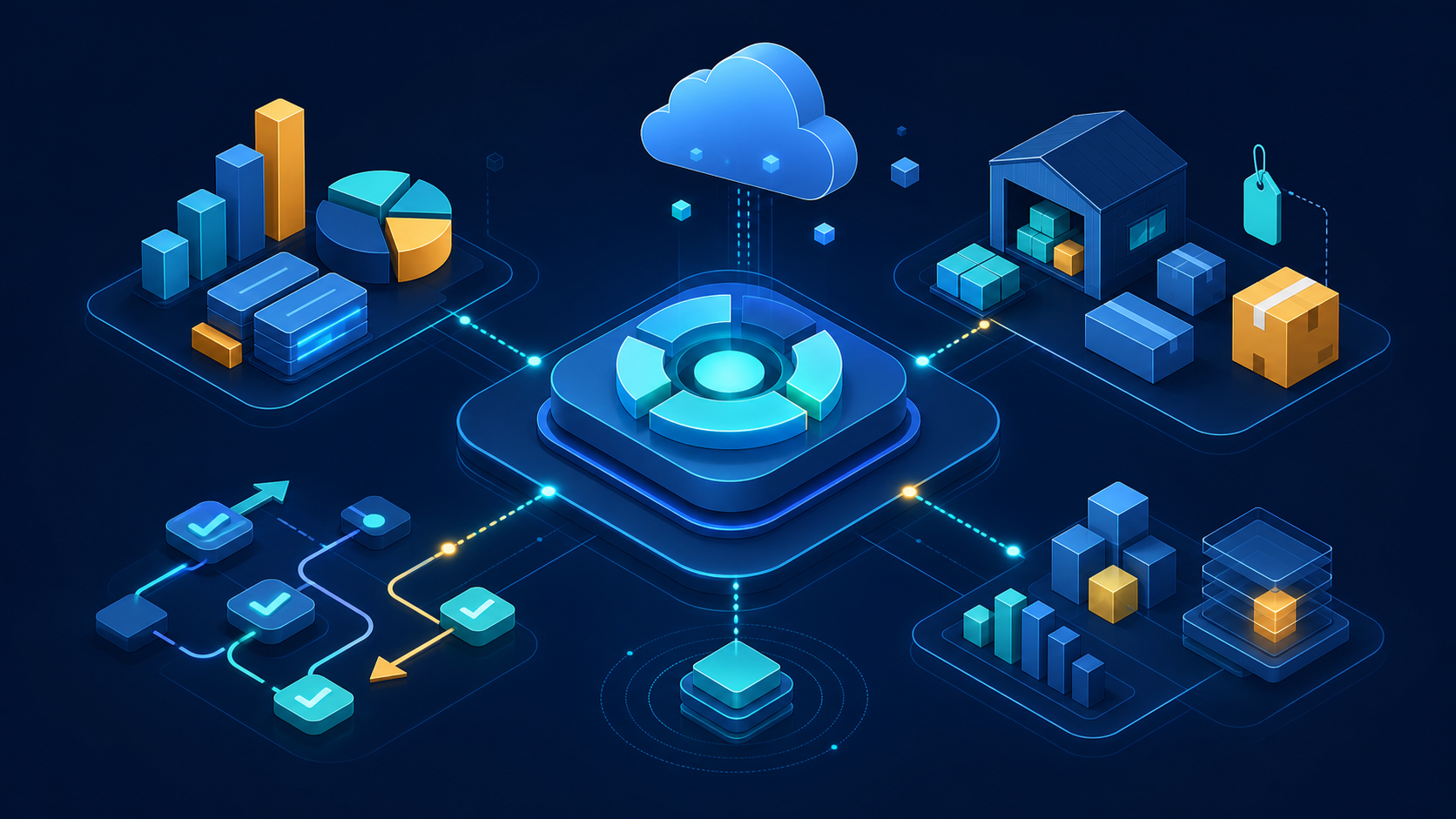
TL;DR: Dynamics 365 Finance and Dynamics 365 Supply Chain Management form Microsoft’s enterprise ERP offering commonly called Finance and Operations. Finance manages accounting, budgeting, cash, assets, and reporting. Supply Chain Management handles procurement, inventory, warehousing, manufacturing, planning, and transportation. Product fit depends on process complexity, controls, integrations, data, and operating scale.
Dynamics 365 Finance and Operations is best understood as a platform and two primary ERP applications, not one all-inclusive product. Microsoft licenses Dynamics 365 Finance and Dynamics 365 Supply Chain Management separately, while both use the shared finance and operations architecture.
This guide explains the supported feature areas, the boundaries between applications, and the implementation conditions behind common benefit claims. For a product-level introduction, read what Dynamics 365 Finance and Operations is. For a selection decision, compare Business Central with Finance and Operations.
Key takeaways
Finance and Operations combines deep financial controls with supply chain execution, but the exact scope depends on the licensed applications and configured modules. Its strongest use cases involve multi-entity finance, advanced warehousing, manufacturing, planning, and governed integrations. Benefits must be verified against representative processes, data, volumes, roles, and controls.
- Dynamics 365 Finance covers ledger, payables, receivables, budgeting, cash, fixed assets, tax, and financial reporting.
- Dynamics 365 Supply Chain Management covers products, procurement, inventory, warehouses, manufacturing, planning, asset maintenance, and transportation.
- Finance includes Project management and accounting (PMA); Project Operations is a separate product family with Core, Integrated with ERP, and manufacturing deployment types.
- Power Platform integration expands app, flow, event, and Dataverse options, but each pattern has distinct constraints.
- The software supports a compliance program; it does not make an organization compliant by itself.
Finance and Operations feature map
The following feature map separates the major capabilities by application and avoids treating the old Finance and Operations name as a single licence. Microsoft documents Dynamics 365 Finance and Dynamics 365 Supply Chain Management independently, although the applications share platform services and integration patterns.
| Feature area | Primary application | Representative capabilities |
|---|---|---|
| General ledger | Finance | Charts of accounts, dimensions, journals, periods, allocations, consolidations |
| Payables and receivables | Finance | Vendor invoices, payments, customer invoices, credit, collections |
| Budgeting and cash | Finance | Budget planning and control, cash forecasting, bank reconciliation |
| Fixed assets | Finance | Asset books, acquisition, depreciation, transfers, disposal |
| Procurement and inventory | Supply Chain Management | Requisitions, purchase orders, vendor collaboration, on-hand inventory |
| Warehousing and transportation | Supply Chain Management | Location directives, mobile warehouse work, waves, loads, routes, carriers |
| Manufacturing and planning | Supply Chain Management | Bills of materials, routes, production, master planning, demand planning |
| Reporting and analytics | Both | Operational reports, financial reports, workspaces, Power BI options |
| Platform controls and integration | Both | Security roles, workflows, data entities, APIs, business events, Power Platform |
These areas are configurable rather than automatic outcomes. A feature can be present yet still fail the target process if data, security, parameters, integrations, or operating ownership are incomplete.
Financial management capabilities
Dynamics 365 Finance supports the accounting cycle from source transactions through subledgers, general ledger, close, consolidation, and reporting. It also includes budgeting, cash and bank management, credit and collections, fixed assets, tax features, expense management, and configurable workflows. Each legal entity still requires an approved accounting and control design.
General ledger and financial dimensions
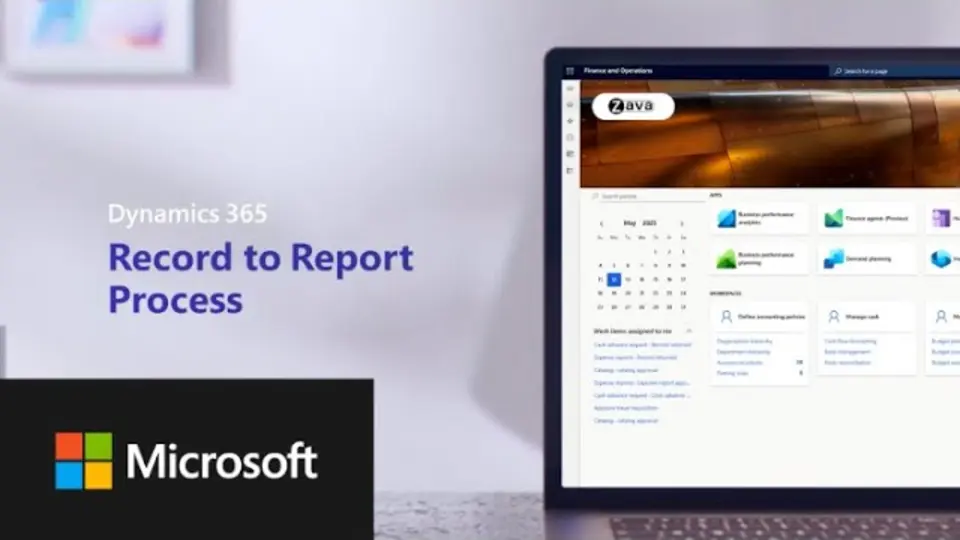
The general ledger defines accounts, fiscal periods, currencies, posting rules, and financial dimensions. Microsoft explains that each legal entity has a configured ledger and that subledger entries from areas such as payables, receivables, inventory, fixed assets, tax, and production feed accounting entries into it in the ledger and subledger overview.
Financial dimensions can classify transactions by department, cost centre, project, product, or another approved reporting axis. Account structures and advanced rules determine which dimension combinations are valid. That flexibility requires governance: uncontrolled values or inconsistent defaults can weaken reporting and reconciliation.
Accounts payable, receivable, and cash
Accounts payable includes vendor records, invoices, matching, approvals, payment proposals, settlements, and related controls. Accounts receivable includes customer invoices, payments, credit, collections, and settlement. Automation can reduce selected manual steps, but accuracy still depends on master data, matching tolerances, posting profiles, approval design, exceptions, and bank data.
Cash and bank management supports bank accounts, payment processes, reconciliation, and cash-flow functions. Any improvement in days sales outstanding, payment timing, or forecast accuracy is an operating result to measure; it is not guaranteed by enabling a module.
Budgeting, fixed assets, and financial reporting
Budget planning and budget control can coordinate submissions, workflow, scenarios, and spend checks. Fixed assets supports asset books, acquisitions, depreciation, transfers, splits, and disposals. Configuration must reflect the organization’s approved accounting policies and reporting requirements.
Financial reporting supports statements built with accounts, dimensions, organizational hierarchies, and currency translation. Microsoft’s reporting and analytics strategy guidance distinguishes operational reporting, financial reporting, documents, and analytical reporting. Reconcile every material report to its source before relying on it.
Supply chain, warehousing, and manufacturing
Dynamics 365 Supply Chain Management connects product information, procurement, inventory, sales orders, warehousing, transportation, manufacturing, asset management, and planning. These functions can share item, location, cost, order, and capacity data. Reliable execution depends on clean master data, realistic parameters, disciplined transactions, integrations, and clearly owned exceptions.
Procurement and inventory
Procurement and sourcing covers requisitions, requests for quotation, purchase orders, approvals, receipts, vendor information, and purchase agreements. Invoice matching links procurement and finance controls. A well-designed workflow can standardize approval and matching steps, while purchasing results still depend on sourcing decisions and supplier performance.
Inventory management records on-hand quantities, reservations, batches, serial numbers, dimensions, transfers, counting, and costing processes. Available inventory is only as trustworthy as the transaction discipline, unit conversions, location setup, quality processes, and integration timing that maintain it.
Warehouse and transportation management
The warehouse management overview documents capabilities such as waves, work templates, location directives, mobile-device work, replenishment, cross-docking, and containerization. These tools can direct warehouse work, but throughput depends on layout, labour, equipment, item data, process design, and tested peak volumes.
Transportation management covers loads, rates, routes, carriers, appointments, and freight-related processes. Delivery performance and transportation cost remain measured operating outcomes. Integrations with carriers or external logistics systems need explicit ownership, error handling, reconciliation, and monitoring.
Manufacturing and planning
Manufacturing capabilities include bills of materials and formulas, routes, resources, production orders, batch orders, shop-floor execution, quality management, and costing. The appropriate setup varies substantially between discrete, process, lean, and mixed-mode operations.
Planning uses demand, supply, lead times, calendars, coverage settings, capacity, and other parameters to calculate planned orders and action messages. Planning output is a proposal based on its inputs. Teams should track forecast error, schedule adherence, shortages, expedites, and inventory outcomes rather than assuming that the plan is optimal.
Project and service application boundaries
Finance includes Project management and accounting (PMA) for project planning, execution, and financial analysis, while Project Operations is a separate product family with deployment choices. Microsoft says existing Finance customers using PMA can continue to use it. Treat project sales and resource-management requirements as a separate deployment decision.
The PMA overview documents six Finance project types: Time and material, Fixed-price, Investment, Cost, Internal, and Time. Their cost and revenue behavior differs, so map each project process to the relevant PMA type before assuming that Project Operations is required. Microsoft documents Project Operations Core, Integrated with ERP, and manufacturing as separate deployment types.
This boundary matters during discovery. A requirement for resource scheduling, project sales, or mobile field work should not be assigned to Finance simply because financial postings ultimately reach the ledger. Define the system of record, supported integration, security, reconciliation, deployment, and current licensing requirements for every cross-application process.
Reporting, analytics, and automation
Finance and Supply Chain Management provide operational reports, business documents, financial statements, workspaces, alerts, batch processing, and Power BI options. They do not make every dashboard real time or every forecast accurate. Data source, refresh design, measures, security, workload, evaluation, and action ownership determine whether an analytical feature supports a decision.
Operational reports and inquiry pages support day-to-day transactions. Financial reports serve statements and management reporting. Embedded Power BI content and external semantic models can support broader analysis, but refresh latency varies by architecture. Define the required freshness, reconciliation, row-level security, and report owner before choosing the reporting pattern.
Workflow and batch capabilities can automate approvals, posting, matching, notifications, and scheduled processing. Automation should include exception queues, retries, segregation of duties, audit evidence, and operational monitoring. A straight-through rate or time saving requires a measured baseline and post-launch evidence.
AI-assisted and predictive features vary by application, release, geography, license, and configuration. Treat generated forecasts, summaries, anomalies, or recommendations as inputs to a controlled process. Validate accuracy, failure modes, permissions, explainability, and human review before using an output for a financial or operational decision.
Power Platform and integration options
Finance and operations apps can connect with Microsoft Power Platform and external systems through several supported patterns. Options include Dataverse virtual tables, dual-write, business events, OData, batch data APIs, custom services, and data exports. Pattern selection should follow direction, volume, latency, consistency, security, ownership, recovery, and licensing requirements.
Microsoft’s Power Platform integration guidance describes linked environments and scenarios for Power Apps, Power Automate, virtual tables, business events, and dual-write. These patterns are not interchangeable: virtual access, event notification, and synchronized copies solve different problems.
The integration patterns overview covers synchronous and asynchronous options for third-party services. An integration design should specify the source of truth, supported endpoint, throughput, idempotency, retry policy, monitoring, error ownership, and reconciliation.
Mobile offline is not a blanket Finance and Operations capability. Offline use with finance and operations virtual tables has feature, preview, table, and app-mode constraints. Check the current virtual-table change-tracking guidance and Power Apps mobile limitations before promising an offline workflow.
Security, compliance, and global operations
Finance and operations apps provide role-based security, duties and privileges, segregation-of-duties controls, workflows, audit-related records, encryption-backed cloud services, and country or region features. Those capabilities support a control environment, but they do not transfer accountability. Customers must configure, monitor, review, evidence, and test controls for their obligations.
Security model
Access is organized through roles, duties, privileges, and permissions. Identity policy, multifactor authentication, conditional access, service accounts, integration identities, and environment administration also affect the security posture. Use least privilege, review role conflicts, monitor elevated access, and test access with representative users.
Microsoft’s finance and operations architecture overview describes the service architecture. Customer extensions, integrations, exports, endpoints, and operating procedures remain within the implementation risk assessment.
Accounting standards and regulatory scope
Do not describe the product as automatically GAAP- or IFRS-compliant. Ledgers, posting layers, dimensions, workflows, financial reports, and localization features can support an accounting framework. The organization remains responsible for policies, judgments, configuration, controls, evidence, disclosures, and review by qualified accounting, tax, and legal advisers.
Global deployments should confirm languages, tax and statutory reporting features, regulatory updates, data residency, and application availability for every required jurisdiction. Microsoft’s country and region documentation is the starting point, not a substitute for jurisdiction-specific validation.
User experience and release management
The platform provides browser-based workspaces, saved views, filtering, grids, Office integration, workflow worklists, and interface personalization. Microsoft services cloud releases on a defined cadence. Usability and release safety still depend on role design, regression coverage, extensions, integrations, training, communication, environment strategy, and support ownership.
Microsoft’s personalization guidance covers hiding or moving fields, saved views, and adding lists, tiles, or links to workspaces. Personalization can focus a role’s screen, but administrators should govern shared views and confirm that required fields and controls remain visible.
Dynamics 365 has two annual release waves: one covering April through September and another covering October through March. The current release schedule and early-access guidance explains how early access supports sandbox validation before production rollout. Individual service updates and feature dates still require release-plan review.
Do not assume generic Dynamics 365 integrations apply equally to every application. For example, Microsoft’s Teams integration overview names customer-engagement applications and Project Service Automation, not Finance or Supply Chain Management. Validate each Microsoft 365 workflow against current app-specific documentation, permissions, storage, and licensing.
Product history and architecture
Current Finance and Supply Chain Management applications descend from Microsoft Dynamics AX, but Axapta was not an IBM product. Axapta came through Navision, which Microsoft acquired in 2002. The history explains product lineage; it does not prove current reliability, scalability, security, or suitability for a particular workload.
Microsoft’s Navision acquisition announcement identifies Navision’s Axapta product as part of the acquired portfolio. Current finance and operations apps retain functional concepts and X++ development lineage from Dynamics AX while using Microsoft’s cloud service, extension, integration, and update models.
Architecture decisions should rely on current documentation and representative tests, not heritage claims. Confirm supported extensibility, integration endpoints, data volumes, batch windows, regional availability, service limits, recovery objectives, and lifecycle requirements for the planned environment.
How to evaluate product fit
Choose Finance and Supply Chain Management when requirements justify enterprise financial depth, advanced supply chain execution, or both. Do not choose them from a feature checklist alone. A fit assessment should connect each critical process to ownership, data, controls, volume, localization, integration, reporting, testing, training, and measurable acceptance criteria.
Use a process-led evaluation:
- Map legal entities, countries, charts of accounts, accounting policies, and statutory obligations.
- Document order, procurement, inventory, warehouse, manufacturing, planning, and close processes in scope.
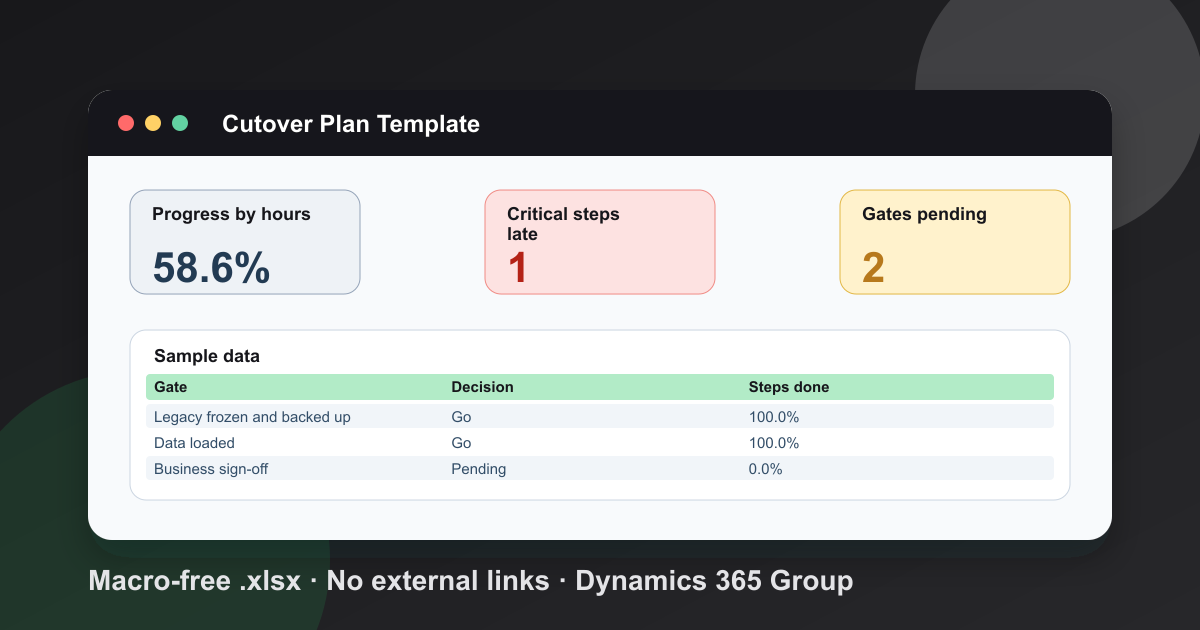
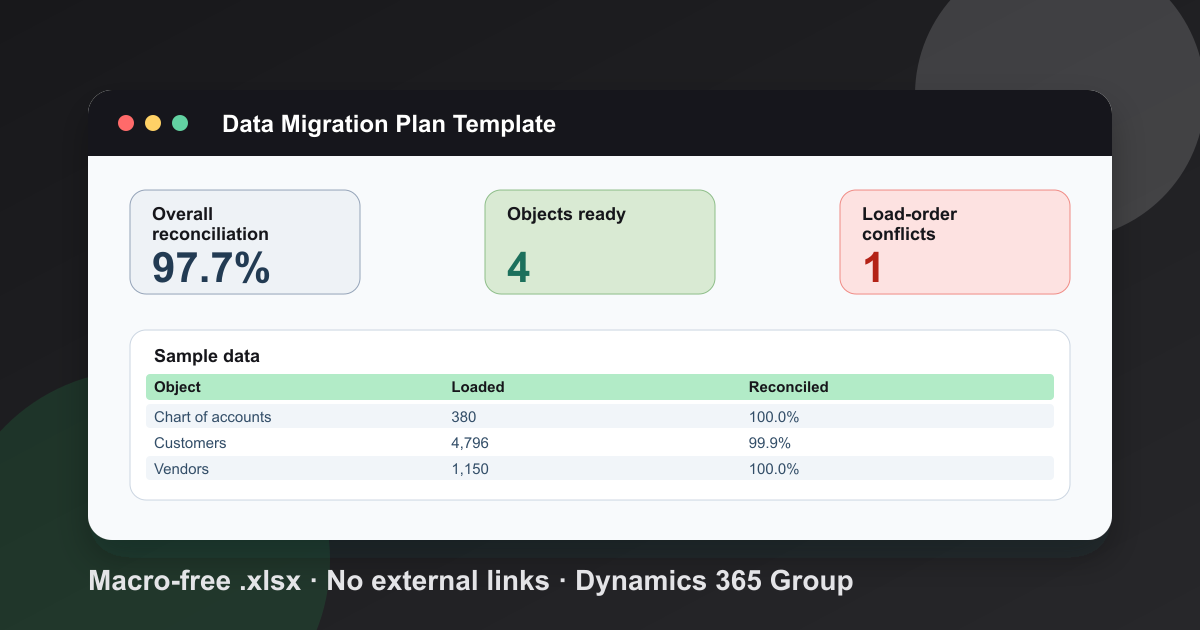
- Profile migration data and define reconciliation totals before configuration begins.
- Identify every system of record and select a supported integration pattern for each data flow.
- Model roles, segregation of duties, approvals, exception queues, and audit evidence.
- Test peak volumes, close windows, planning runs, reports, interfaces, and recovery procedures.
- Define go-live and stabilization measures with owners, thresholds, and rollback paths.
Smaller or less complex organizations should also assess Business Central. The decision should follow process and control requirements rather than a universal headcount or revenue cutoff. Dynamics 365 Group’s implementation services can help structure discovery, fit-gap analysis, architecture, migration, testing, and rollout planning.
Related Finance and Operations reading
The next step depends on whether the open question concerns product scope, module depth, cost, or platform selection. Use the focused guides below to continue the evaluation, then validate current licensing and product behavior in Microsoft’s documentation. Avoid treating any article, including this one, as a substitute for requirements and testing.
- What Dynamics 365 Finance and Operations is
- Finance and Operations modules
- Finance and Operations cost
- Business Central vs Finance and Operations
Frequently Asked Questions
What is included in Dynamics 365 Finance and Operations?
Finance and Operations is common shorthand for Dynamics 365 Finance and Dynamics 365 Supply Chain Management. Finance covers areas such as general ledger, payables, receivables, budgeting, fixed assets, cash, and financial reporting. Supply Chain Management covers procurement, inventory, warehousing, manufacturing, planning, asset management, sales orders, and transportation. The applications are licensed separately.
Is Dynamics 365 Finance and Operations the same as Dynamics AX?
No. Dynamics AX is the product predecessor. Current cloud deployments use Dynamics 365 Finance and Dynamics 365 Supply Chain Management on the finance and operations platform. They retain functional and development lineage from AX but use Microsoft's current cloud service, extension, integration, and update models.
Does Dynamics 365 Finance automatically make a company GAAP or IFRS compliant?
No. Dynamics 365 Finance provides ledgers, posting layers, financial dimensions, workflows, audit records, reporting, and localization features that can support a control framework. Compliance still depends on the organization's accounting policies, configuration, data, controls, evidence, reviews, and professional advice for each jurisdiction.
Can Finance and Operations integrate with Power Platform?
Yes. A linked Power Platform environment can support Power Apps, Power Automate, Dataverse virtual tables, business events, and dual-write scenarios. The correct pattern depends on direction, volume, latency, transaction requirements, security, licensing, and data ownership. Mobile offline support should be validated separately because virtual-table and app-mode limitations apply.
Does Dynamics 365 Finance include Project Operations?
Dynamics 365 Finance includes Project management and accounting (PMA) functionality, and Microsoft says existing Finance customers using PMA can continue to use it. Dynamics 365 Project Operations is a separate product family with Core, Integrated with ERP, and manufacturing deployment types. Evaluate Project Operations requirements, deployment, and current licensing separately rather than treating it as a built-in Finance module.
How should an organization evaluate Dynamics 365 Finance and Supply Chain Management?
Start with legal entities, countries, accounting and operational controls, manufacturing and warehouse complexity, transaction volumes, integrations, reporting, security, migration data, and role-based workflows. Prototype the highest-risk processes with representative data and volumes, then define measurable acceptance criteria for performance, reconciliation, usability, and control evidence.
Free tool
Calculate Your Dynamics 365 Migration ROI
See how much you could save with a free, instant ROI estimate. No signup required.